.png)
How many rows can be processed at one time?
File upload limit: 25,000 rows per file
When uploading files directly to Dropcontact, you can process up to 25,000 rows per file.
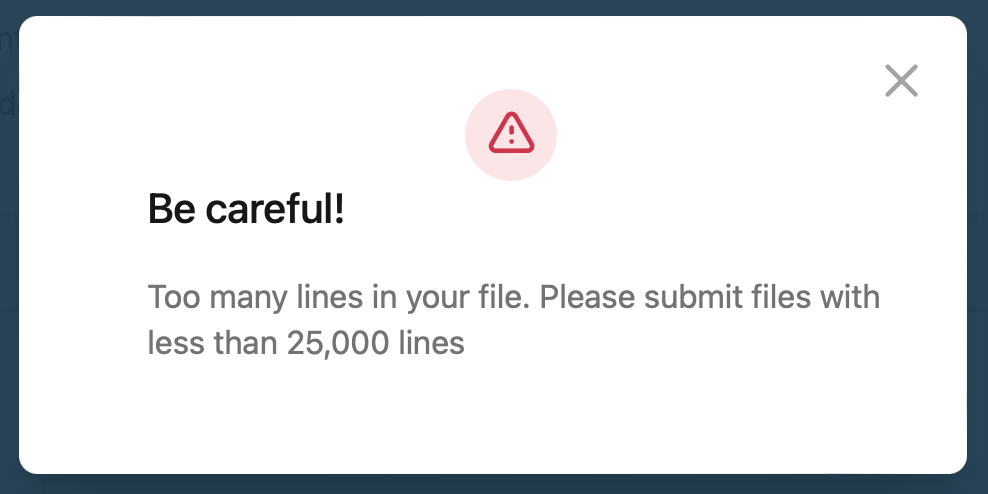
If your file exceeds this limit, you'll see this message:
⚠️ Be careful! Too many lines in your file. Please submit files with less than 25,000 lines.
Quick fix: Split your file into smaller files (under 25,000 rows each) and upload them one by one.
🚀 Processing large volumes? Better alternatives for scale
If you're regularly enriching large datasets (50k+ rows), here are more efficient solutions than file uploads:
Use the Dropcontact API
Perfect for developers and tech teams who want full control:
- No file size limits – process millions of rows
- Automated workflows – integrate directly with your CRM, database, or internal tools
- Faster processing – batch requests and async webhooks for high-volume enrichment
- Real-time results – no manual file download/upload cycles
👉 Check out our API documentation: https://developer.dropcontact.com/
Connect via automation platforms
No coding skills? No problem. Connect Dropcontact to your favorite automation tools:
- Zapier – build workflows between 5,000+ apps
→ See our Zapier tutorial - Make (ex-Integromat) – advanced automation with visual workflows
→ See our Make tutorial - n8n – open-source automation for tech teams
→ See our n8n tutorial
These platforms let you automate enrichment directly from your CRM, Google Sheets, or any other data source.
💬 Need help choosing the right solution?
Not sure whether to use the API, automation tools, or stick with file uploads? Hit us up via email, and we'll help you find the best setup for your volume and technical setup.