.png)
If my .xls file has several sheets, how do I choose which one to correct?
Selecting a sheet from your Excel file
When you upload an Excel file (.xls or .xlsx) containing multiple sheets, Dropcontact automatically detects them and prompts you to select which one to process.
Here's what you'll see:
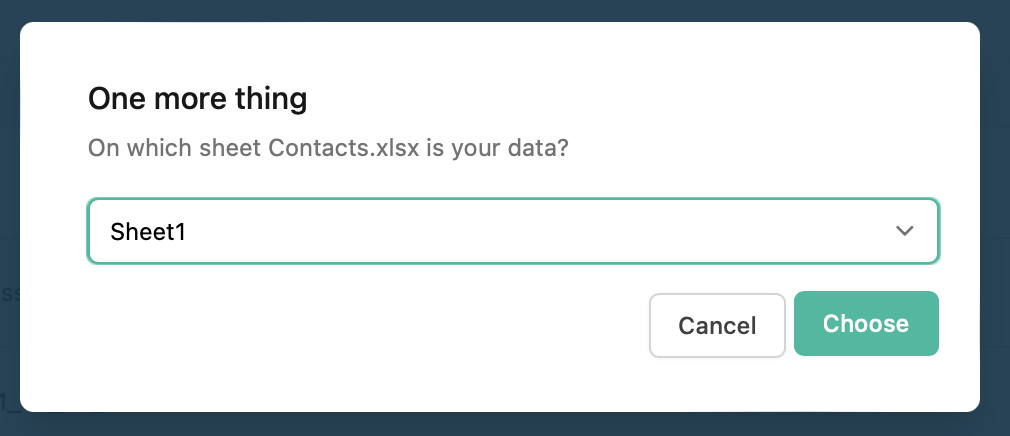
A dropdown menu displays all available sheets in your file. Simply click on the one containing your contact data, then hit "Choose" to proceed.
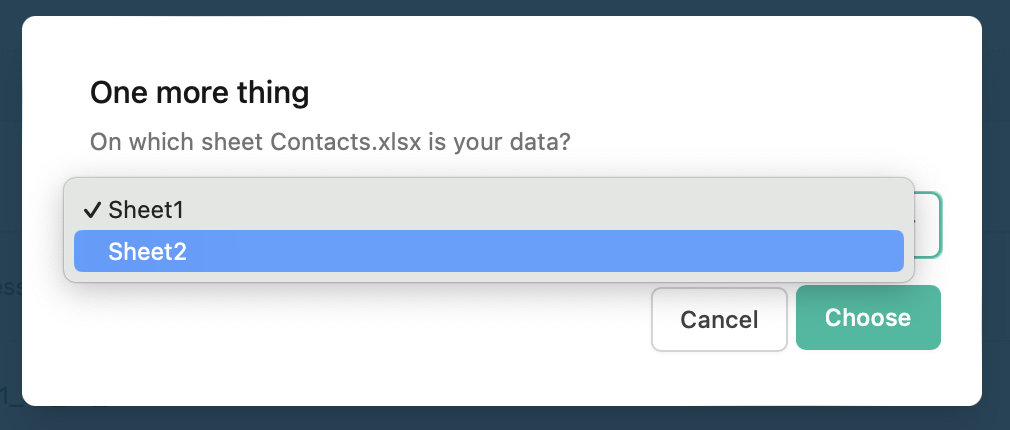
Important requirement
⚠️ You can only select sheets that contain column headers. Sheets without headers won't appear in the dropdown or will be grayed out.
This ensures Dropcontact can properly map your data fields (firstname, lastname, company, etc.) during the enrichment process.